Live clipping for streamers
Turn live moments into clips you can share.
Hit CLIP to save a moment, then edit and render it. Download your vertical clip or schedule it as a YouTube Short, all while you’re still live.
Works With Your Favorite Platforms
Stream from the software you already use, then share your clips where your audience watches. Some platforms connect directly; others work through Restream or a standard RTMP/RTMPS setup.
- YouTube
- Twitch
- TikTok
- OBS Studio
- Kick
- Streamlabs
- Rumble
- X
- PRISM Live Studio
- Trovo
- Threads
- Restream
- Vimeo
- DLive
- StreamYard
- Dailymotion
- XSplit
- Bilibili
How it works
Make It Yours.
Make every clip look the way you want. Choose your layout, customize your captions, and save your favorite style. Apply it to future clips without starting from scratch.
Save Your Style.
Get your look right once. Save it, reuse it, and spend less time editing every new clip.
He did not see that pass coming
Interactive demo · no account needed
Your Workflow
Set it up once. Clip every stream.
- Connect once
Add Stitch Factory to OBS, Streamlabs, PRISM, or any RTMP software.
- Go live. Hit CLIP
Stream as usual. Hit CLIP from the portal, your phone, or a Stream Deck.
- Edit and share
Polish the clip, render it, then download or schedule it.
Meet Cindy
Less time clipping. More time creating.
Stop spending hours searching through livestream recordings. Capture the moments that matter while you’re live, turn them into clips, and get back to creating.
- Capture in one clickSave the moment when it happens.
- Skip the footage huntNo searching through hours of recordings.
- Create fasterTurn captured moments into clips without rebuilding your workflow.
- Keep creatingSpend more time streaming and making content.
What Stitch Factory does
Everything after the CLIP.
Set the length, pick Fit, Fill, or Layered, style captions, add a title, and drop in a Meme Zoom. Save your branding once and reuse it across clips. Then download your clip for any platform, or schedule it as a YouTube Short once you’re an activated beta creator.
Creator Spotlight
Made for creators. Used by creators.
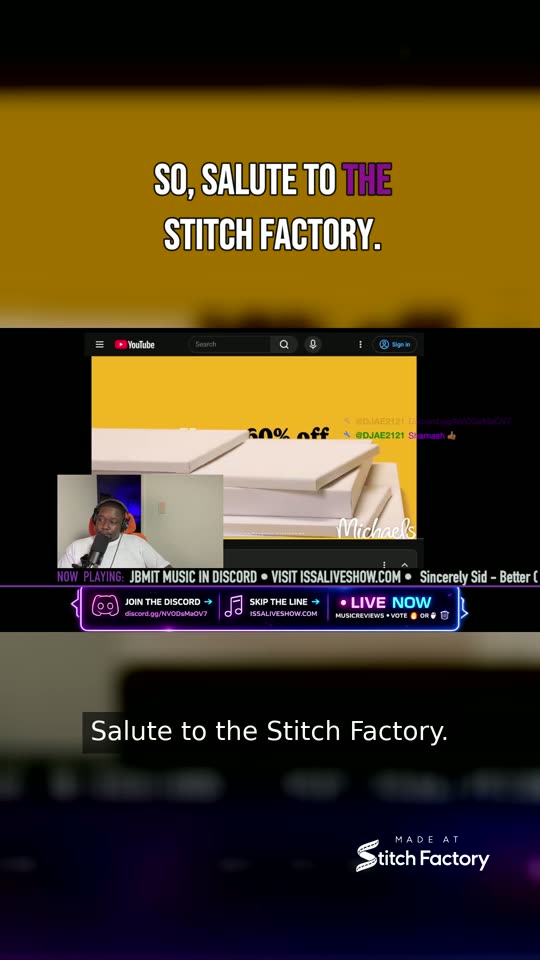
See how ISSA LIVE SHOW uses Stitch Factory to capture real livestream moments and turn them into content ready to share.
- Some of the things that run through my headWatch on Instagram
- Am I lying?Watch on Instagram
- My face said it allWatch on Instagram
- What were they promoting?Watch on Instagram
- Efficient and talentedWatch on Instagram
- Almost caught me slippingWatch on Instagram
- It was time to goWatch on Instagram
- The cool gym teacherWatch on Instagram
- I can’t be the only oneWatch on Instagram
- Tell me I’m wrongWatch on Instagram
More from ISSA LIVE SHOW on Instagram




Clip your next stream.
Sign up for the Stitch Factory beta and get 30 days free. No credit card required. Verify your email and complete the creator agreements to get started.